

myki equipment
How to use myki machines, Quick Top Up machines, readers and gates.
myki machine
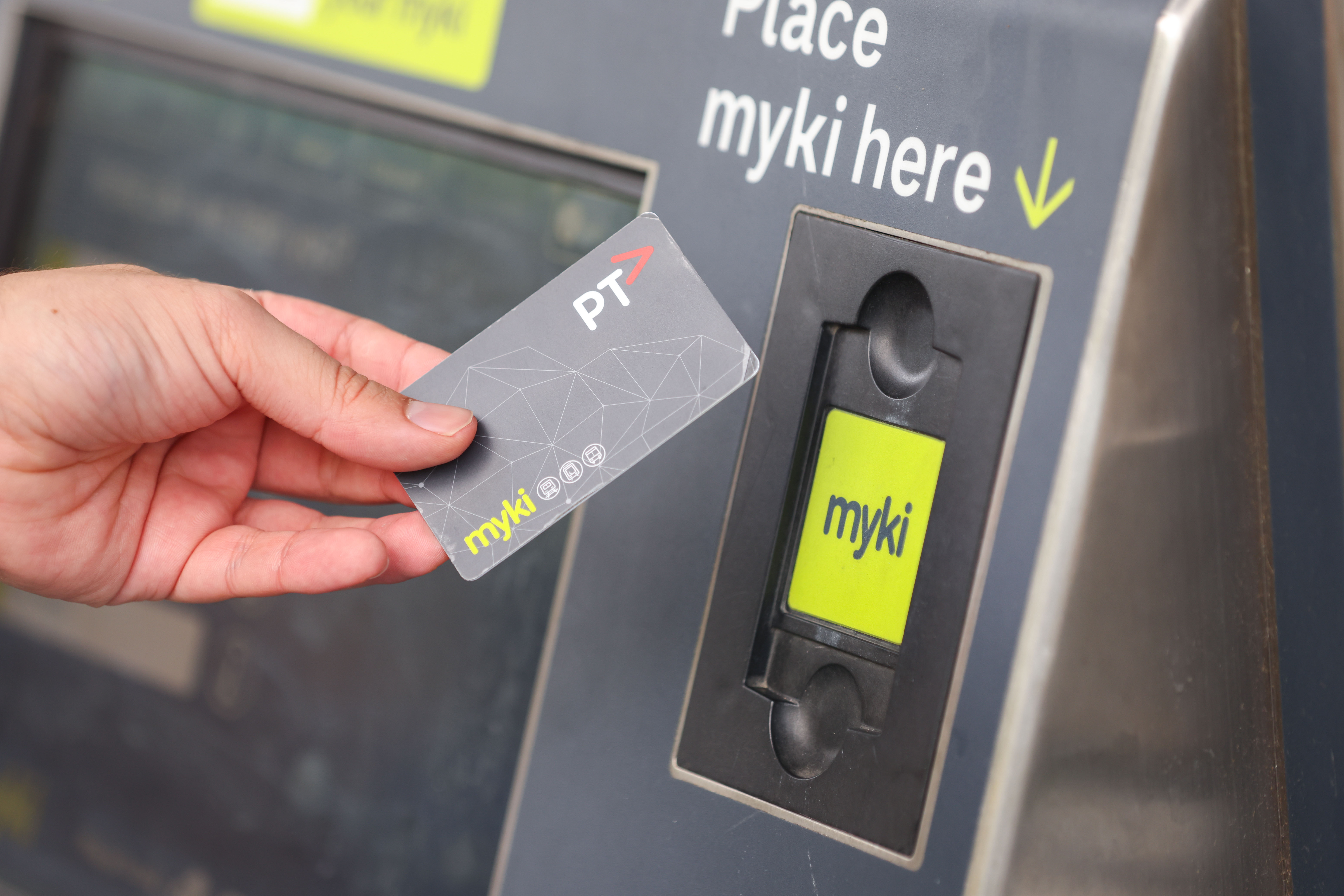
At a myki machine, you can:
- top up with myki Money or myki Pass
- view your myki status, balance and expiry date
- check when your 2 hour fare expires
- see your last 10 transactions
- buy a Full Fare, General Concession, Senior or Child myki smartcard.
Paying your fare on a myki machine
- You can find myki machines at metropolitan train stations, some accessible tram stops, and bus interchanges.
- You can pay with cash, EFTPOS or credit card.
- The minimum top up amount is $1. We recommend topping up with enough money to pay for a 2 hour fare.
- The machine can't give change for myki Money cash top-ups. The machine gives a maximum of $10 change for myki Pass cash top-ups.
- The machine doesn't accept 5 cent coins, so the cost of a fare may round up to the next 10 cents. You won't be charged more when you travel.
- Wait for ‘transaction complete’ before removing your card from the machine.
- You can adjust the screen by:
- touching the zoom button
- switching to a black and white view.
- You can't use Mobile myki on a myki machine.
myki gate
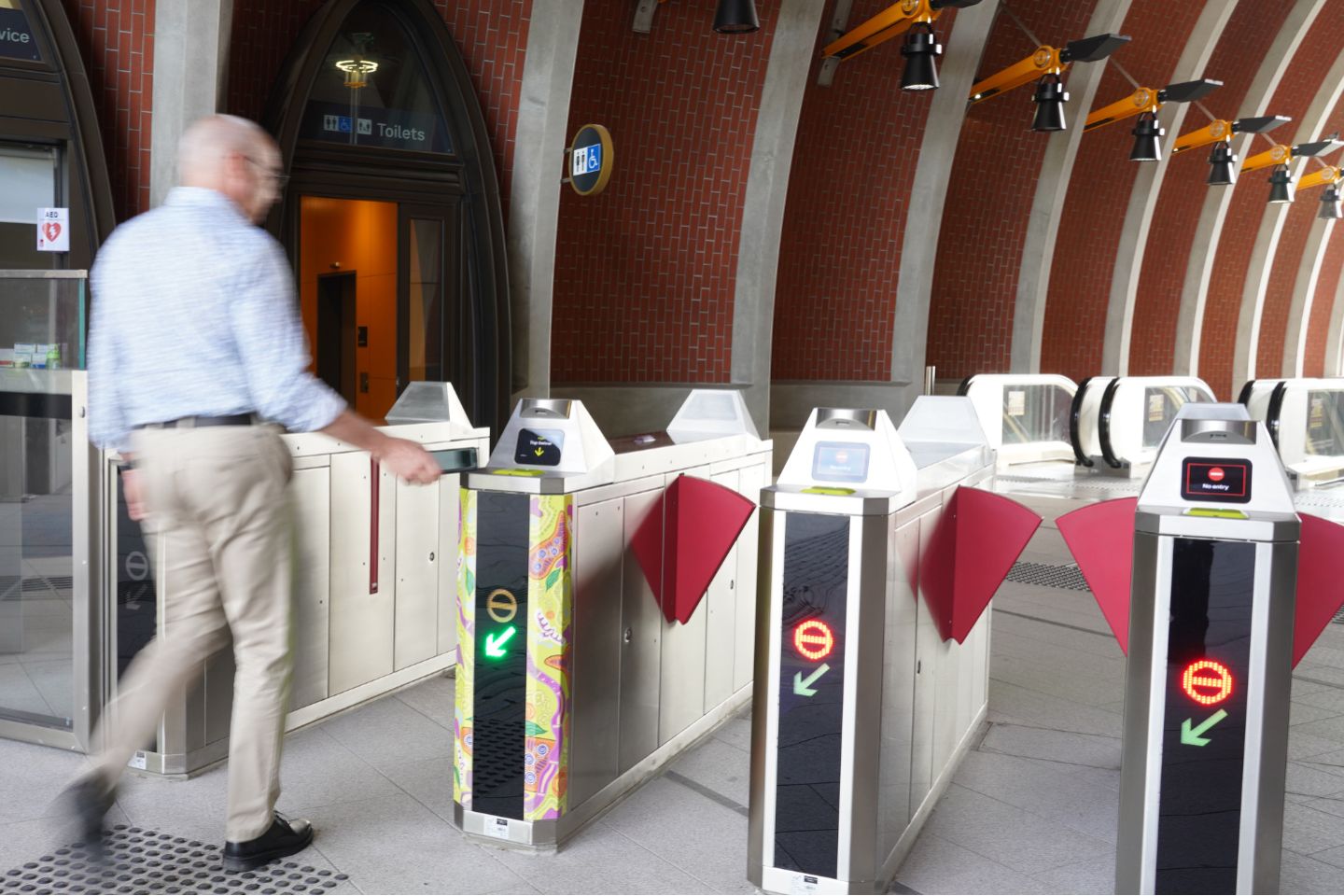
There are two types of myki gate
- standard
- next-generation.
You'll find myki gates at all metropolitan train stations.
At a standard myki gate, you can:
- tap on and off
- view your myki Pass details or myki Money balance.
At a next-generation myki gate, you can tap on and tap off.
If you’re travelling with children, you can tap on with up to 10 mykis. The gates will stay open until each person has gone through.
Mobile myki can be used with myki gates.
Wide myki gates
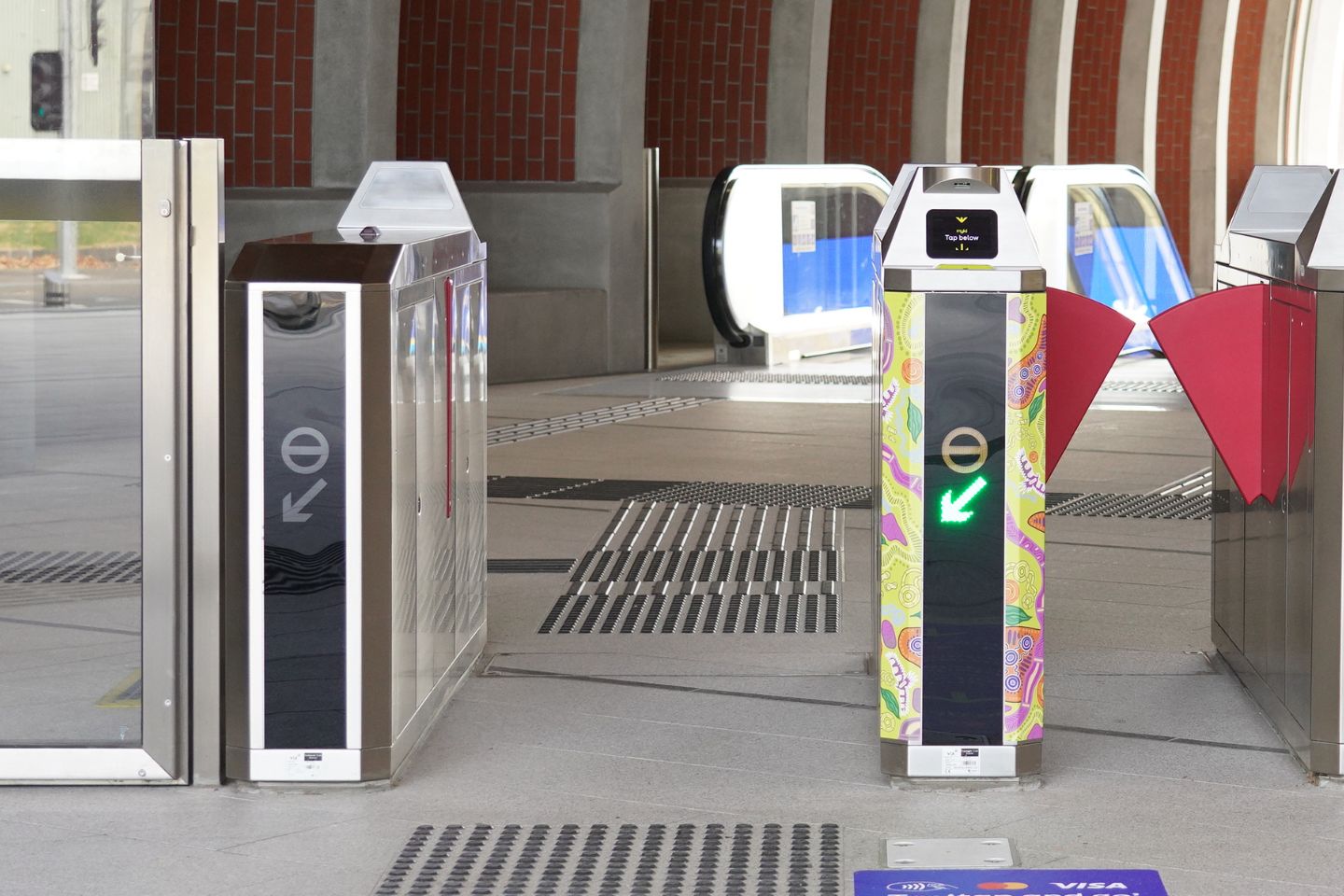
Some stations have wide myki gates. These give you more space and time to move through.
Use a wide gate if you’re:
- using a pram, wheelchair or mobility scooter
- carrying luggage
- travelling in a large group.
Read more about accessible travel on public transport.
When going through the gates:
- tap on and enter the gate first, then pull any luggage or items behind you
- move through the gate one person at a time.
If you’re travelling with children, you can tap on with up to 10 mykis at the same gate. The gate will stay open while everyone goes through.
Station staff are available to help if you need extra time or support to move through the gates.
myki reader
At a myki reader you can see:
- your myki Money balance
- your myki Pass details and expiry date.
Tap on and off at myki readers to travel on trains, trams and buses. You can find myki readers at train stations and on trams and buses.
Mobile myki can be used with myki readers.
 Image: myki reader
myki Quick Top Up machine
myki Quick Top Up machines are a quick, easy and convenient way to top up your myki Money or myki Pass.
 Image: myki Quick Top Up machine
You can top up with a contactless VISA and MasterCard for amounts between $5 and $50.
You can also check your myki Money balance, myki Pass details, card status, fare type, and travel and top up history.
Using a Quick Top Up machine:
- Tap your myki onto the green panel
- Select your myki Money or myki Pass top up amount
- Tap your VISA or MasterCard to pay using contactless payment
- Tap your myki back onto the green panel to load your top up onto your myki card
You can't use a Quick Top Up machine with Mobile myki.