

Other public transport help
View the zone for a station or stop in journey planner
Look up the zone for your train station, bus or tram stop. This will help you calculate your fare.
We use public transport zones to calculate your fare.
Find zone information
View the zone for your train station, tram or bus stop:
- Go to our departures page.
- Select your mode, and your stop or station
- Choose any direction
- Select ‘show departures’
- The results page will show a card with the name of your station or stop. In the top right-hand corner, click the ‘i’ button (the ‘information’ button) to view station information:
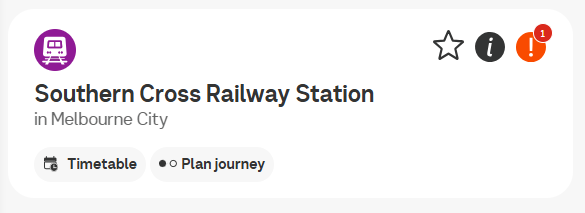
View zone information
Look underneath your station or stop name for the relevant zone.
If your station or stop sits in multiple zones, your fare will be based on the zone that gives you the cheapest fare.
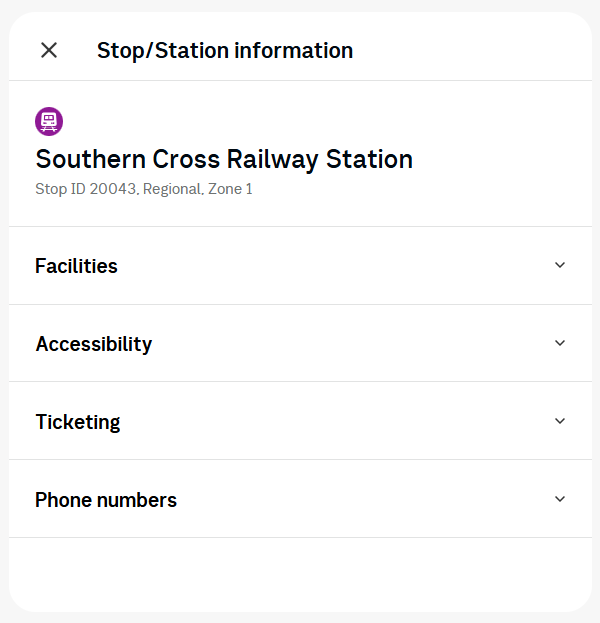
Once you've clicked the 'i' (information) button, you'll see the stop's zone directly underneath the stop name.
Useful resources
- Find out more about fares and zones.
- View public transport maps.