

myki types
Mobile myki
Pay for public transport fares using a digital myki on your Android phone.
Already have Mobile myki? If you need some help, go to our Mobile myki frequently asked questions. You can also register your Mobile myki.
Benefits of Mobile myki
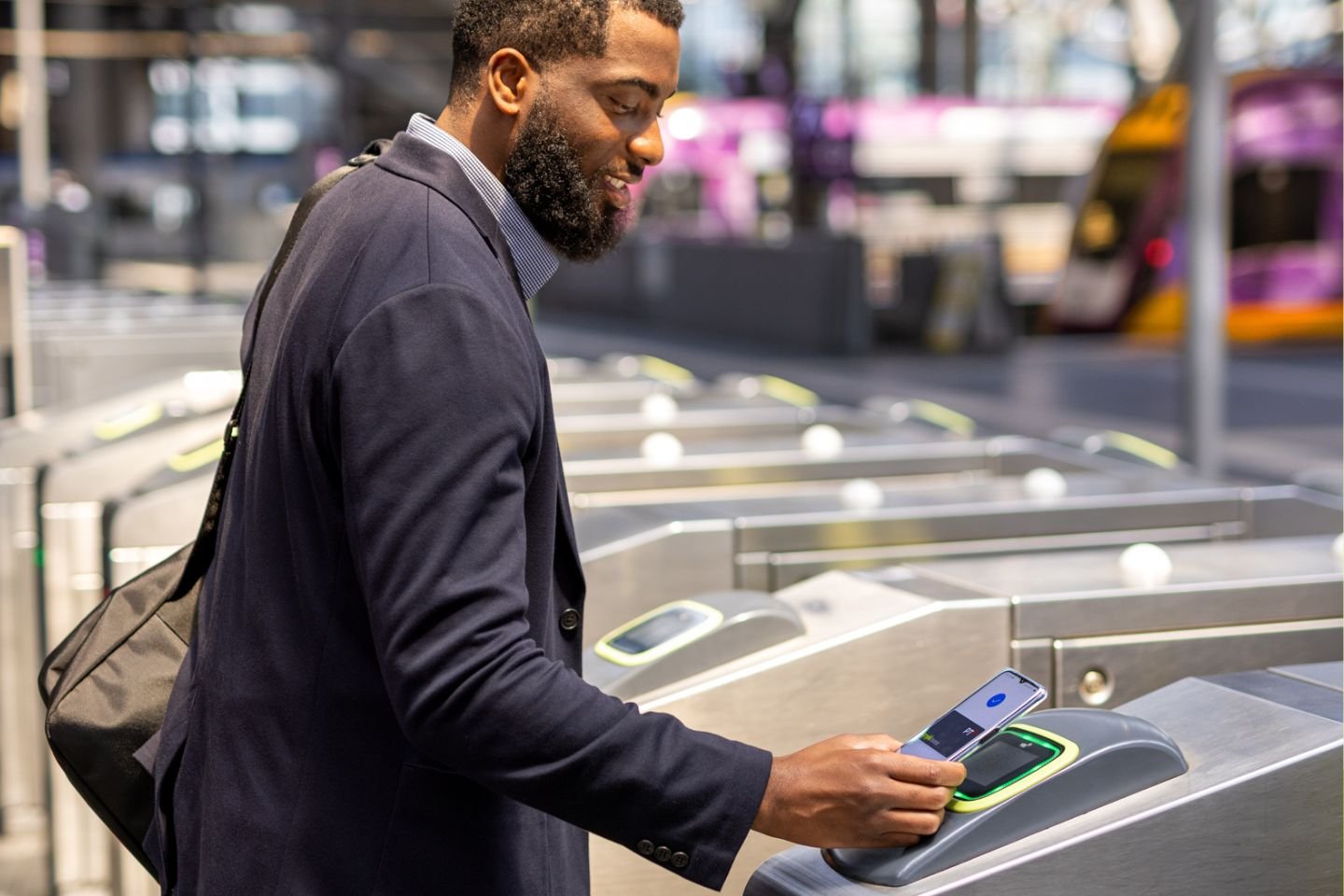
- Tap on and off with your smartphone.
- View your myki balance in real time.
- Top up on the go.
Get Mobile myki on your Android phone
- If you already have Google WalletTM on your device, make sure it's the latest version before adding your Mobile myki.
- Tap ’Add to Wallet 'and select Transport pass.
- Choose Melbourne, AUS myki from ‘Recommended or nearby’, or search for ‘myki’.
- Select add ‘myki Money’ or 'myki Pass'.
- Choose your fare product: Full fare, Child, Senior or General concession.
- Finish the transaction and you're ready to travel.
Please note: If you already have Google WalletTM on your device, make sure it's the latest version before adding Mobile myki. Make sure Google WalletTM is turned on as a contactless payment method.
You can only use five Mobile mykis per device, over a 12-month period. View more in Mobile myki FAQs.
Check if you’re eligible
You can use Mobile myki on your Android phone if:
- You’re aged 13 or over (the minimum age for using Google Wallet).
- You have a full fare, child or a concession myki. Some Concession myki options may not be available.
- Your phone has a near-field-communication (NFC) chip.
- Your phone runs on Android operating system 9 (Pie) or higher.
- You’ve downloaded the Google WalletTM app and set up a VISA/Mastercard payment card.
Travel tips
- There’s no need to unlock or open your Google WalletTM to tap on or off, but you will need to wake up your phone.
- If you’re upgrading your Android phone, you’ll need to deactivate and reactivate on your new phone to retain your Mobile myki balance
- Mobile myki only works with your phone and does not support other smart devices.
- If you travel on a Concession myki you can use Mobile myki. Please refer to our FAQs for additional information relating to using Mobile myki.
- If you have a Mobile myki and a bank card on your phone, when using express transit, the ticket reader will always use Mobile myki.